Contractor-reviewed input
Start with your property photo and placement plan. Confirm the source, fixture intent, and proposal details before requesting or sharing a concept.
Inside LightDeck, use a fictional property photo, place the fixtures, set your number, and review the proposal draft and PDF. A night concept is optional. You review the output and approve or replace every price.
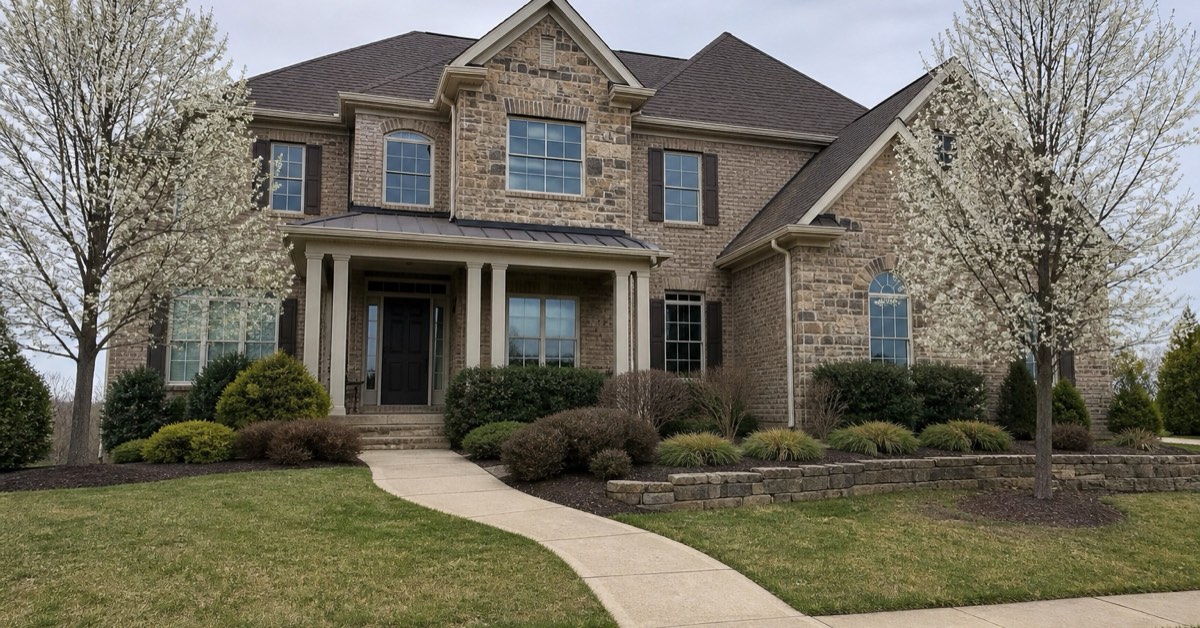
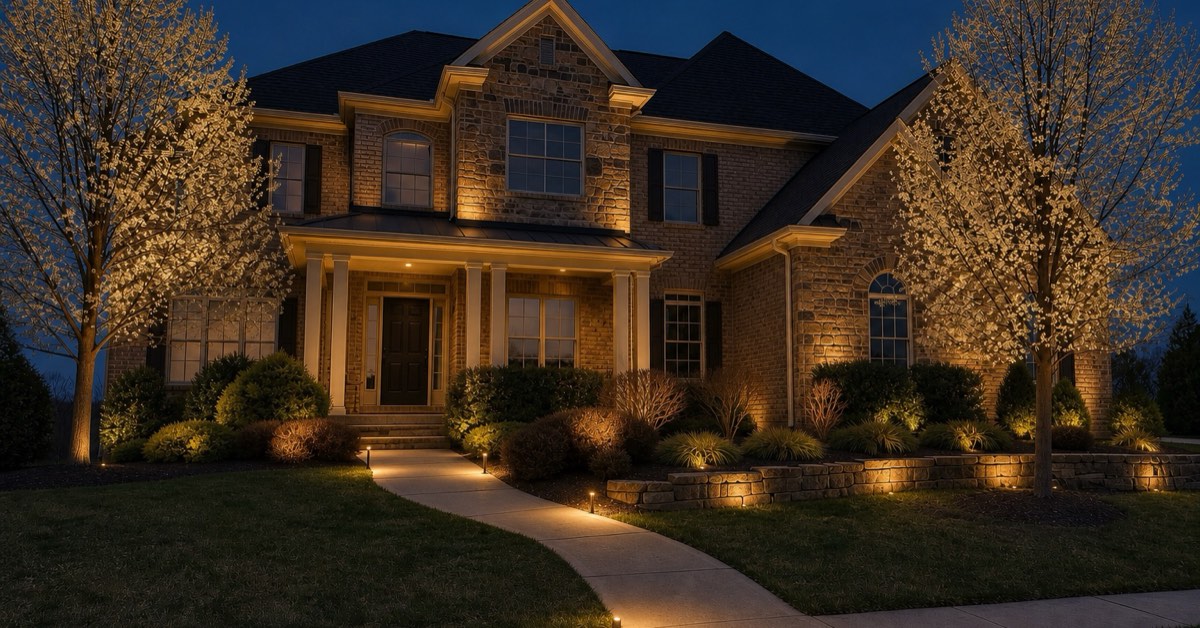
Drag or tap to compare. Use arrow keys for precise control.
The closed alpha is free. For the invited pilot, client publishing and customer email are on, so a real customer can open and sign a real link; LightDeck payments are off, so you collect on your own payment link and the money never passes through LightDeck; and LightDeck does not text your customers. The generated night concept is off during the closed alpha; alpha accounts get an on-device preview of the placed plan instead. The concept is not a survey, photometric plan, or substitute for on-site verification.
The public page does not accept property uploads. With beta access, use a fictional property photo, build the placement plan, and review the on-device plan preview with Zach. Nothing is published or sent, and the generated night concept is off during the closed alpha.
Beta sign-inFree closed alpha · no paid checkout · generated night concept off during the beta · AI usage and availability limits apply
Concept, source, and plan stay distinct. LightDeck keeps the generated visualization beside the contractor's placement and proposal context. The contractor remains responsible for checking fidelity, quantities, price, electrical decisions, final aim, and site conditions.
Start with your property photo and placement plan. Confirm the source, fixture intent, and proposal details before requesting or sharing a concept.
Use the generated image as a clearly reviewed concept within the proposal flow, not as proof of exact installed output.
AI can omit, add, or move visual details. The contractor verifies the placement plan, fixture count, price, electrical design, and site conditions.
The free beta includes the proposal builder. It cannot create a public account or invite another user. No card is required. Use fictional client details, replace starter pricing with your own rates, and review every output with Zach.
Beta sign-inPaid checkout is not open and beta access cannot turn into a charge automatically. Any future paid service will require a separate offer and your affirmative purchase. AI and map features have usage and availability limits.
Built around Evening Glow's landscape-lighting workflow. No close rate, render fidelity, or installed outcome is promised.
Place the plan, set Good / Better / Best pricing, review the generated concept and proposal draft, open the PDF yourself, then walk the result with Zach. No client link, signature, message, or payment is created during the beta walkthrough.
Beta sign-inNo card · Free beta · We will tell you before anything costs money